How to rename category?

This guide will walk you through the process of renaming a category in Build-task-staging. Follow the engaging steps to efficiently update category names for improved organization and clarity.
Go to app.buildmacro.com
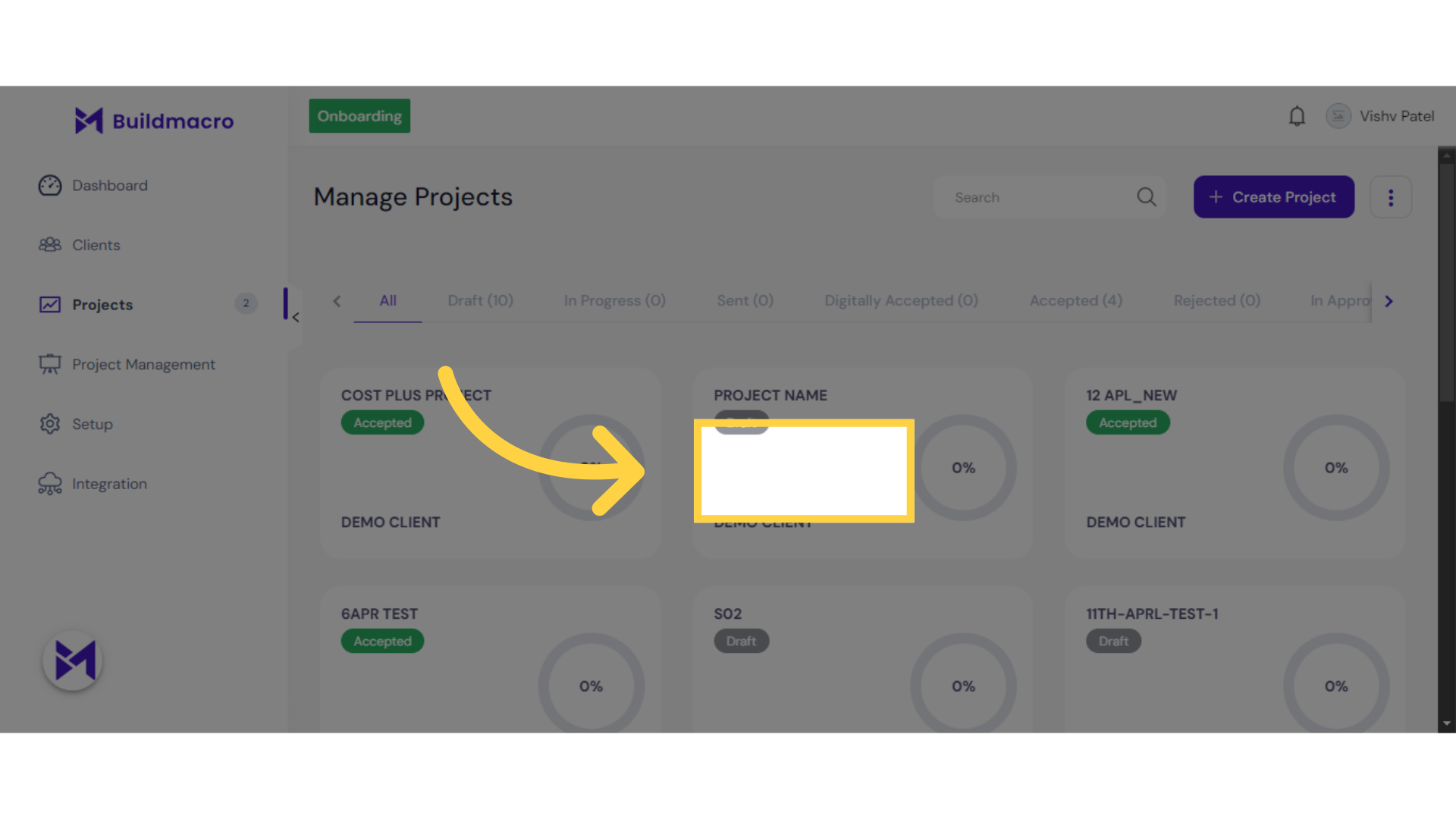
1. Click here
Click here
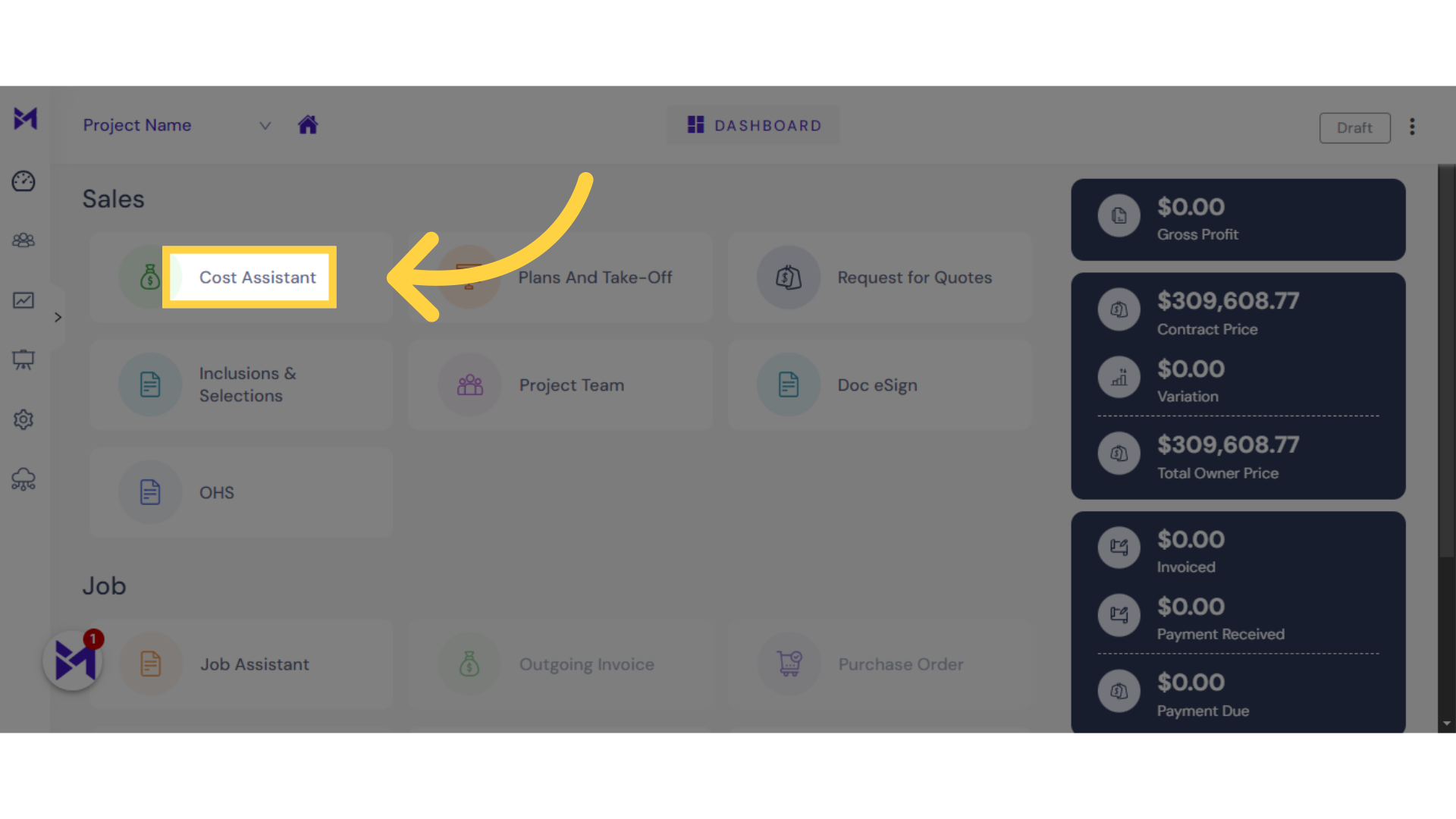
2. Click "Cost Assistant"
Navigate to the Cost Assistant section.
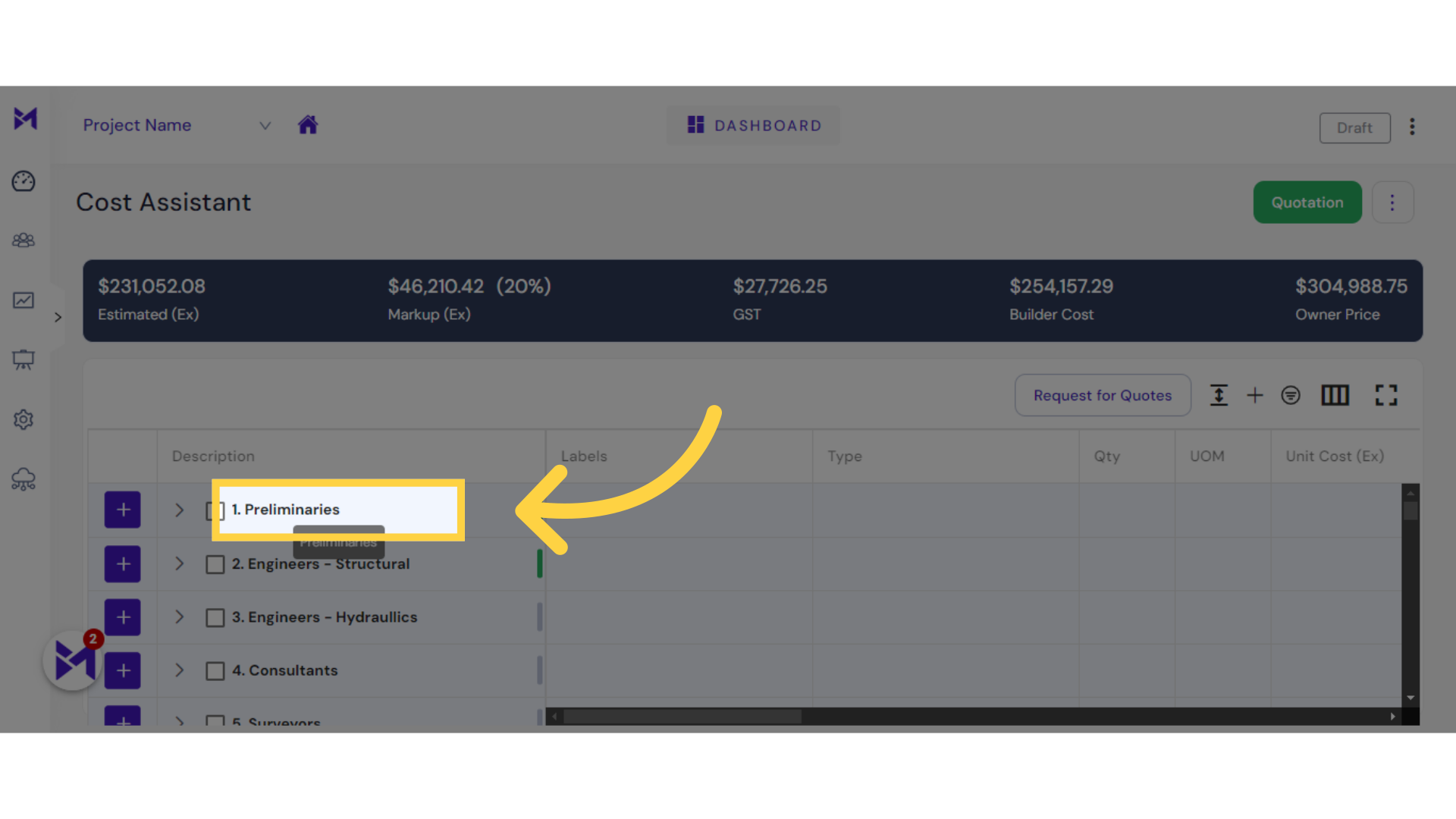
3. double Click on "Preliminaries"
Select "1. Preliminaries" from the menu.
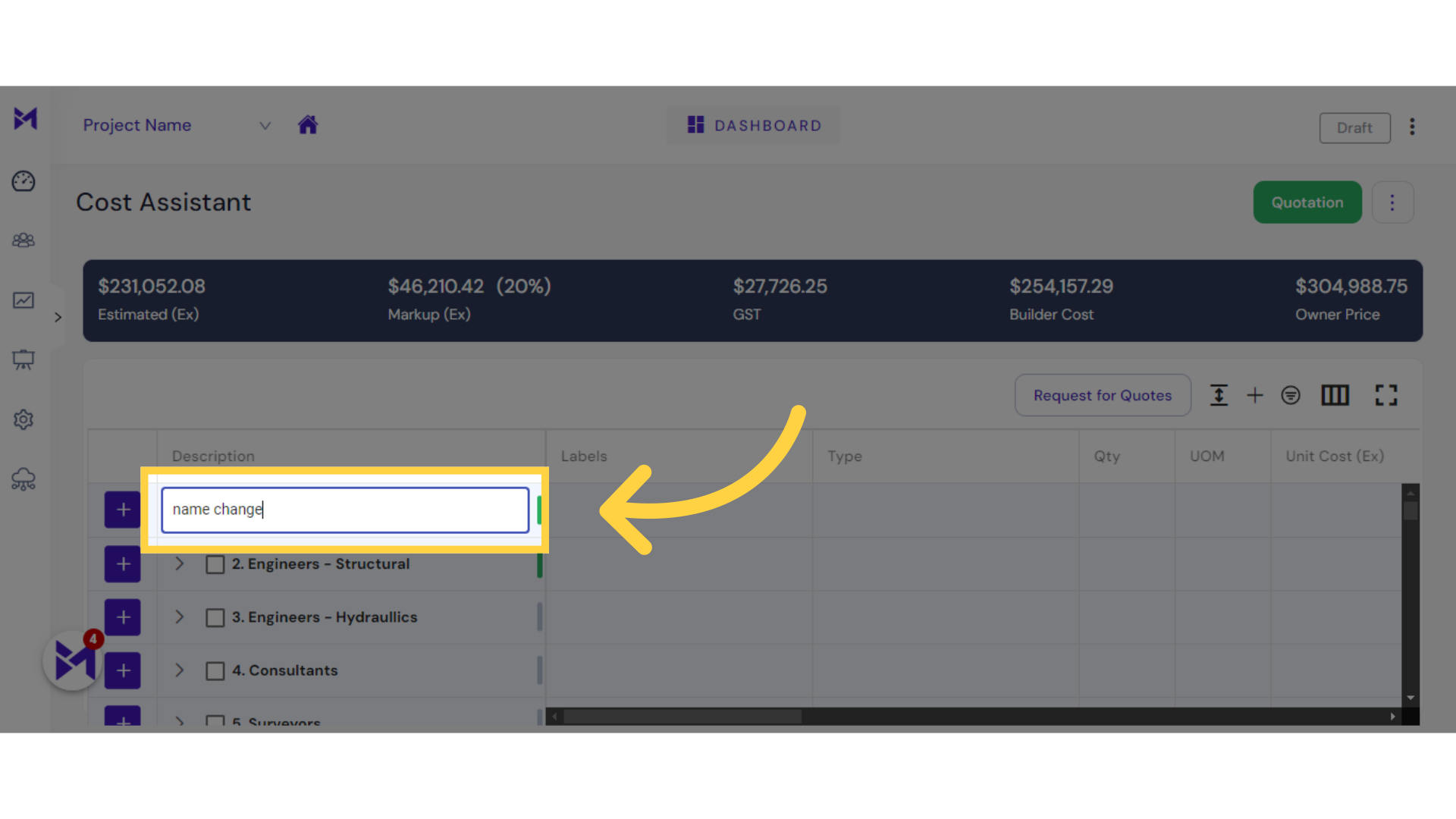
4. Fill "name you want"
Enter the new category name as "name change".
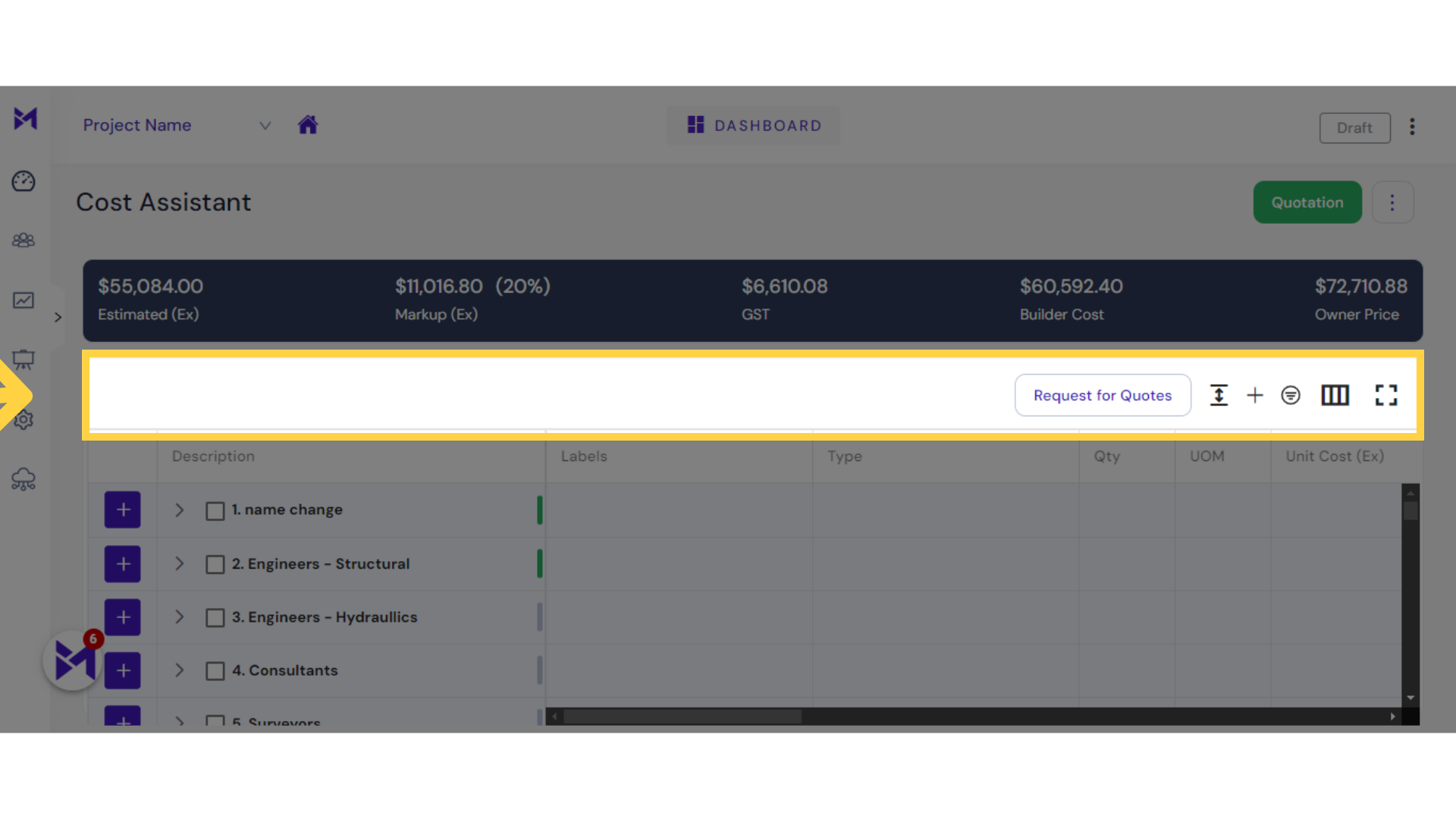
5. Click on blank space to save
Expand the view for "Request for Quotes".
The guide covered the steps to rename a category in Build-task-staging, including accessing the category, making changes, and expanding views for better navigation. Streamline your category management with these intuitive instructions.